
Reference

The bck77 App — What to Expect on Your Device

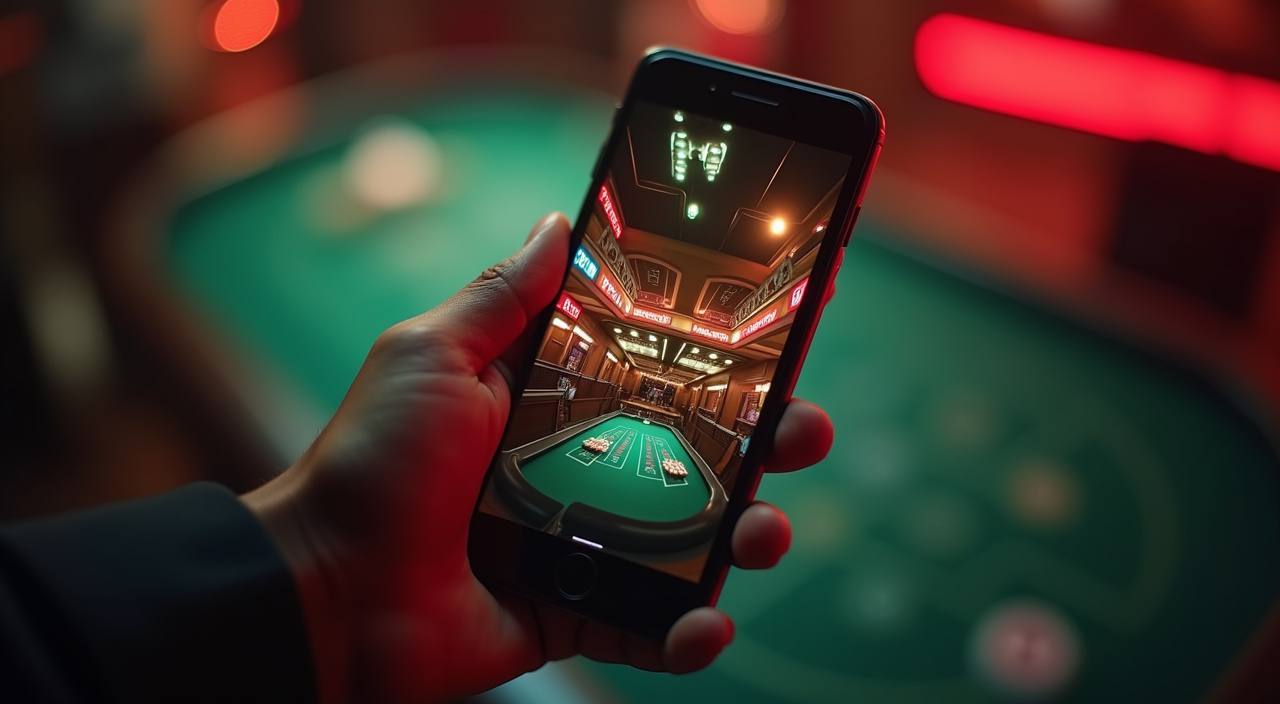
The bck77 lobby runs on your mobile browser right now — slots, live tables, crash games and sports markets all load without needing a separate download.

mobile browser readyaccount login on any deviceavailability check via account pagesports and casino in one view
bck77 The bck77 App — What to Expect on Your Device
bck77 What the bck77 App Brings to Your Session

What the bck77 App Brings to Your Session

Open the lobby from any current Android or iOS browser and the full game range is right there — Pragmatic Play slots like Gates of Olympus, Evolution live tables, Barisal Crash Arena and Teen Patti Prize all scale to your screen without layout breaks. Push notifications alert you when a promotion is running or when your account wallet is updated. Quick deposit

shortcuts let you reach the bKash or Nagad payment screen in two taps, so you spend less time navigating and more time at the table. Fingerprint login keeps your session entry fast without re-typing your password each visit.

bck77 Mobile Access in Three Steps

Mobile Access in Three Steps

No APK file, no app store search needed right now — the browser path is the quickest way in. Open bck77 in Chrome or Safari on your phone, and the site adapts immediately to your screen size. Log in with your account credentials or use fingerprint login if you set it up on a previous session. From there, the full lobby is

available — slots, live casino tables, Holdem Pocket, Football Goalrush and the sportsbook. If a native app download becomes available for your region, the account page will show the option with the correct verified link. Always access the app or site through the address you registered with to keep your account secure.

  • Open bck77 in your browser — Type the address directly into Chrome or Safari — do not search app stores for an unverified build. The mobile layout loads automatically.
  • Check browser compatibility — Chrome 90 and above or Safari on iOS 14 and above work without issues. If the layout looks off, try clearing your browser cache first.
  • Sign in securely — Enter your account credentials or use biometric login if it is already enabled. An OTP may be sent to your registered number as a second verification step.
  • Verify app availability from your account — If a dedicated app build is offered in your region, the download link appears inside your account settings — do not use third-party sources.
DEVICE COMPATIBILITY CHECK

Which Devices and Browsers Work with bck77

Before your first mobile session, a quick compatibility check saves any mid-game interruption. The lobby is built to work on modern smartphones and tablets — here is what to confirm on your side.

01

Browser Version

Use an up-to-date version of Chrome, Firefox or Safari. Older browser builds may not render the live casino stream or crash game animation correctly.

02

Screen Layout

The lobby layout adjusts for screens from 5 inches upward. Portrait and landscape both work; live table games play better in landscape on smaller phones.

03

Account Requirements

You need a verified bck77 account to access real-money tables and slots. Account verification requires a valid mobile number and completed wallet setup.

04

Supported Regions

Access depends on your local law and eligible regions. Bangladesh availability is shown at login — check the account page for your current access status.

05

Connection Stability

Live Evolution tables and Barisal Crash Arena run better on a stable 4G or Wi-Fi connection. A weak signal may cause stream drops on live dealer games specifically.

APP FEATURE SNAPSHOT

Four Things the bck77 App Does Well

Each of these features is built around how you actually use the lobby on a phone — quick entry, clear layout and account access that stays out of your way.

Fingerprint Login Skip the password screen on supported Android and iOS devices. Your fingerprint or face ID unlocks your bck77 account in under two seconds.
Push Alerts Enable notifications and we send you a push when your deposit clears, when a new promotion is live or when a cricket market opens for betting.
Dark Mode Display The app interface switches to a dark colour scheme automatically in low-light conditions, reducing eye strain during longer live casino sessions at night.
Lobby Preview Offline The game grid and category tabs cache briefly so you can browse titles and plan your session even when your connection drops momentarily.

Common Questions About the bck77 App

These are the questions we hear most from Bangladesh when it comes to accessing bck77 on mobile — straightforward answers, no guesswork.

A verified app link, if available for your region, appears inside your bck77 account settings. Do not download builds from third-party stores or unofficial sites.

Yes. Open bck77 in Chrome or Safari and the full lobby loads in your browser — slots, live tables and the sportsbook are all accessible without any installation.

Biometric login is supported on Android and iOS devices where the browser allows it. Enable it once from account settings and it stays active for future sessions.

Yes, once you allow notifications from bck77 in your browser settings. We send alerts when your wallet is updated, when a promotion is live and when cricket markets open.

Clear your browser cache, update Chrome or Safari to the latest version, then reload. If the issue continues, reach our support team through the account help section.

Players in Dhaka and other parts of Bangladesh can access the mobile lobby subject to local law and eligible regions — your account page shows your current access status.
Reference

bck77 App

Service availability depends on eligible regions and local law. Users should check local rules before opening an account.

Access may be available only where local law permits.